Sell Digital Products for Free
📝 How to Package, Host, and Sell Digital Products for £0
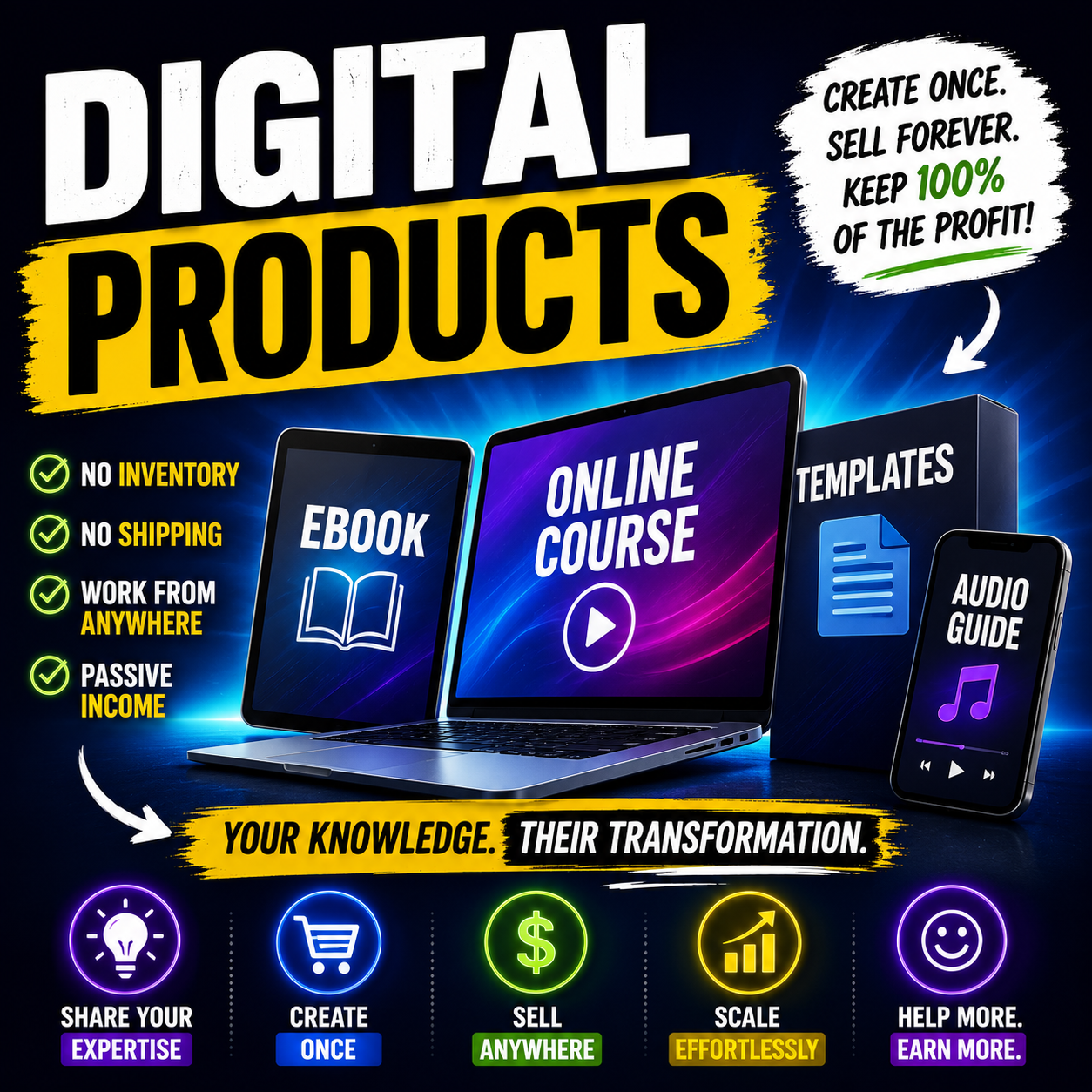
Selling digital products—like ebooks, video courses, templates, or audio guides—is the ultimate way to scale an online business. Unlike physical goods, digital products have zero shipping fees, zero inventory costs, and infinite profit margins.
However, many creators stall at the launch phase because of high platform fees. Popular course hosting platforms charge up to $119+ per month just to host your digital files. Paying that upfront cost before making a single sale puts massive financial pressure on your business.
The good news? You can package, host, and sell your digital expertise completely for free.
Here is the exact step-by-step blueprint to launch your digital product with absolutely zero budget.
🚀 Step 1: Secure Your Digital Product Vault
To run a professional digital product business, you need software that handles three specific tasks: securely hosting your files, processing customer payments, and automatically delivering the product after purchase.
Instead of paying massive software rent or giving up 10%+ of your revenue to transaction fees on marketplace sites, use [Systeme.io].
Their free-forever plan allows you to host a full digital course with unlimited file storage, build a complete product membership area, and accept payments through Stripe or PayPal with zero monthly fees.
Click here to claim your free Systeme.io account and host your first digital product
📦 Step 2: Choose and Package Your Asset
You do not need to record a 10-hour video masterclass to launch a profitable digital product. Focus on high-value, highly practical formats that solve a specific problem quickly:
- The Blueprint Ebook: Pack your personal expertise into a clean, 20-page Google Doc. Export it as a PDF.
- The Resource Toolkit: Package your best spreadsheets, notion templates, or checklist sheets into a downloadable folder.
- The Mini-Course: Record three 10-minute video lessons on your phone or laptop explaining a specific step-by-step tutorial.
💳 Step 3: Set Up Your Automated Checkout Funnel
Once your product is ready, you need a pathway to collect payments.
- Log into your dashboard and navigate to Products > Courses (or Physical Products if selling a simple PDF download file).
- Click Add a new course, give it a title, and upload your video lessons or text files.
- Go to Funnels > Create and choose "Sell a product".
- Connect your Stripe or PayPal account in your settings menu with one click.
- Select your Order Form template. This is the page where customers type their credit card info.
- Under Resources, select your uploaded course or digital asset.
Now, when a buyer inputs their payment details, the system securely processes the transaction and automatically emails the buyer their unique login credentials instantly.
📈 Step 4: Launch and Drive Traffic
Your automated digital storefront is fully operational. To start making sales:
- Copy the URL of your new order checkout page.
- Create a clean layout card on your Google Sites blog.
- Drive traffic by linking to your checkout page from social media bios, Pinterest pins, and your blog content.
💎 Stop Paying Tech Rent
You don't need a massive investment to become a digital product creator. By using an all-in-one platform to host your assets, process checkout payments, and handle automatic file delivery, you eliminate upfront overhead and keep 100% of your business profits.