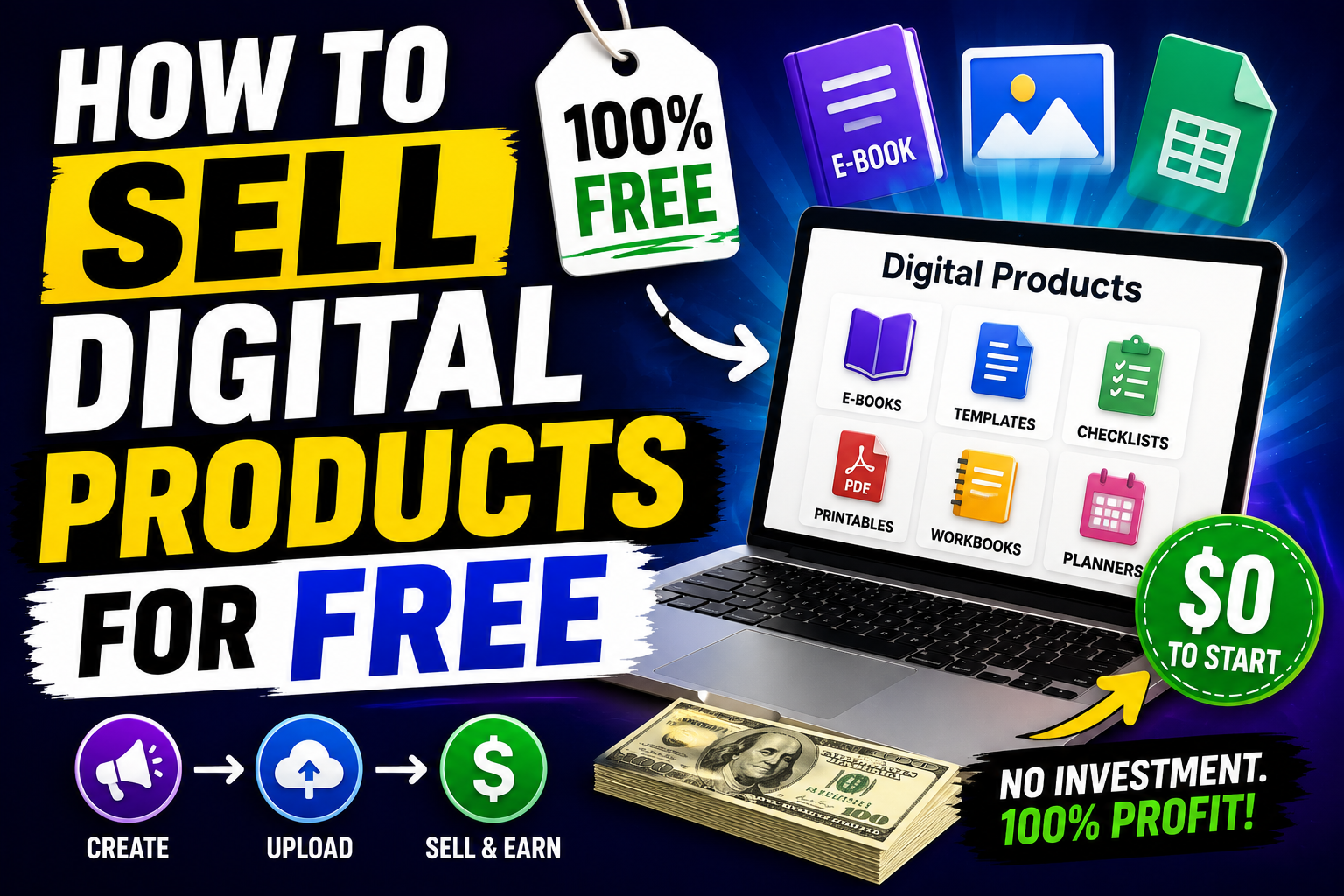
How to Sell Digital Products for Free
Everything a Complete Beginner Needs to Know — No Budget, No Tech Skills, No Excuses
If you've been researching how to make money online, you've probably already come across digital products.
And if you've looked into selling them, you've probably also hit a wall — because most of the advice out there assumes you have money to spend. A monthly subscription here. A transaction fee there. A premium plan to unlock the features you actually need.
It adds up fast. And for someone just starting out, it's enough to make the whole thing feel out of reach before you've even begun.
Here's what those guides aren't telling you.
You can sell digital products completely free. Not on a trial. Not with hidden fees kicking in after 30 days. Genuinely, sustainably free — with a proper sales page, automatic payment processing, and instant delivery to your buyers, all without spending a penny.
This guide is going to show you exactly how.
What Does "Selling for Free" Actually Mean?
Let's be clear about what we're talking about — because "free" gets thrown around loosely online.
Selling digital products for free means:
- No monthly platform fee to host your products
- No subscription to a landing page builder
- No separate payment processor eating into your revenue
- No email tool subscription to follow up with buyers
- Automatic delivery — the platform sends the product to the buyer the moment they pay, without you doing anything
All of this is possible in 2026. The tools exist. They're free. And they're genuinely good enough to run a real business on — not just a hobbyist side project.
What You Need to Sell a Digital Product — Simplified
Before we get into platforms and steps, let's strip this down to basics.
To sell a digital product you need four things:
1. A product Something someone will pay to download — an ebook, a template, a mini course, a prompt pack, a checklist. If you haven't created yours yet, read our guide on the [best digital products to sell in 2026] first — it'll help you pick the right one to start with.
2. Somewhere to host it The file has to live somewhere online so buyers can access it after purchasing.
3. A way to take payments Someone needs to be able to pay you — by card, PayPal, or whatever method your platform supports.
4. A delivery mechanism Once someone pays, they need to actually receive the product. Ideally this happens instantly and automatically.
That's genuinely all there is to it. The mistake most beginners make is thinking they need a full website, a separate email marketing tool, a payment gateway, and a hosting service all stitched together. You don't. One good free platform handles all four of these things in one place.
The Hidden Cost Trap Most Beginners Fall Into
Here's something worth understanding before you pick a platform.
A lot of the well-known selling platforms look free — until you dig into the small print.
Some charge a transaction fee on every sale. That means for every £10 product you sell, they take a cut. Doesn't sound like much until you're making consistent sales and realise a meaningful percentage of your revenue is disappearing automatically.
Some give you a free plan but lock the features you actually need — like automation, email follow-ups, or the ability to offer discount codes — behind a paid tier.
Some cap you at a tiny number of products on the free plan, meaning you'll outgrow it almost immediately.
The platform you want is one that gives you a genuinely usable free plan — not a crippled version designed to frustrate you into upgrading. That means no transaction fees, no artificial product limits, and access to the core features a beginner actually needs.
Step-by-Step: How to Sell Your First Digital Product for Free
Step 1 — Create Your Product
If you haven't already, this is where everything starts.
You don't need expensive software. Here's what free looks like in practice:
- Ebook or guide — Write in Google Docs, design in Canva, export as PDF
- Template — Build in Canva or Google Sheets, share as a downloadable file
- Mini course — Record short videos with Loom (free), write a companion PDF guide
- Prompt pack or swipe file — Write in Google Docs, format cleanly, export as PDF
- Printable — Design in Canva, export as PDF
The golden rule: solve one specific problem for one specific type of person. The more focused your product, the easier it is to sell.
If you're still deciding what to create, our guide on [how to make passive income with digital products] walks through exactly what types of products work best for beginners and why.
Step 2 — Choose Your Free Platform
This is the decision that will either make selling simple or unnecessarily complicated.
What you're looking for in a free platform:
- No monthly subscription fee
- No transaction fees on sales
- Built-in landing page or sales page builder
- Automatic product delivery on purchase
- Payment processing included
- Email marketing or follow-up capability — ideally built in
Most platforms give you one or two of these for free. The best ones give you all of them.
The platform we recommend for beginners — the one that ticks every single box on that list — is completely free to start, requires no credit card, and lets you build your entire selling system in one place. Sales page, product delivery, payment processing, and email follow-up, all under one roof.
Start selling for free right here
Step 3 — Upload Your Product and Set Your Price
Once you're signed up to your chosen platform, the setup process is straightforward.
- Upload your product file
- Write a title and description
- Set your price
- Add a cover image — Canva has free mockup templates that make a PDF look like a real product
On pricing — for a first digital product, somewhere between £5 and £27 is a sensible starting range. Low enough to be an easy purchase decision, high enough to signal real value. A free product feels throwaway. A £7 guide feels like something worth downloading and actually reading.
Don't overthink it. You can always change the price later. Getting it live matters more than getting the price perfect.
Step 4 — Build a Simple Sales Page
Your sales page is your silent salesperson. It works around the clock — explaining your product, answering objections, and converting visitors into buyers — without you having to be there.
A good beginner sales page has five elements:
A clear headline — what is this and who is it for? Example: "The No-Budget Guide to Selling Your First Digital Product — For Complete Beginners."
A short intro — two or three sentences that speak directly to the problem the buyer has. Make them feel understood before you pitch anything.
What's inside — bullet points. Specific and concrete. Not "everything you need to know" — but "a step-by-step breakdown of the five platforms you can use to sell for free, including which one we recommend and why."
A clear price and buy button — one call to action, prominently placed. Don't make people hunt for the button.
Optional — a simple guarantee — "If you read this and don't find it useful, email me and I'll refund you." This costs you almost nothing and removes a big barrier for hesitant buyers.
That's it. You don't need a designer or a copywriter. You need clarity.
Step 5 — Set Up Automatic Delivery
This is the step that makes it passive.
On a good platform, product delivery is automatic. The moment someone completes a purchase, the platform sends them a download link or access to the product. No manual emails. No checking your inbox. No staying by your phone.
This is non-negotiable for passive income. If you're manually delivering every product yourself, you've just created a job — not a passive income stream.
Make sure your platform handles this automatically before you launch. Test it yourself by running a £0 test purchase to make sure the delivery works the way it should.
Step 6 — Drive Traffic to Your Sales Page
A great product on a great sales page earns nothing if nobody sees it.
Here's how to get your first visitors without spending on ads:
Write content around your product topic If your product is about making money online with no budget, write blog posts about making money online with no budget. People find the articles through Google, read them, trust you, and click through to your product. This is the strategy that builds long-term sustainable traffic.
Answer questions where your buyers are Reddit, Quora, Facebook groups — wherever people in your niche ask questions. Give genuinely helpful answers. Mention your product naturally where it's relevant. Don't spam. Be useful first.
Use your product as a marketing tool Share a tip, a page, or a section from your product for free on whatever platform you use. Give people a taste. The best marketing for a digital product is showing people what's inside it.
Link between your content If you have a blog, link your articles to each other and to your product page. Someone reading about passive income should be one click away from your digital product guide. Someone reading about the best products to sell should land on your selling platform comparison. Internal links keep people on your site longer and help Google understand what your content is about.
Step 7 — Refine and Scale
Your first product launch won't be perfect. That's fine — and completely normal.
After your first few weeks, look at the numbers. How many people visited your sales page? How many bought? If lots of people are visiting but not buying, your sales page needs work. If very few people are visiting, your traffic strategy needs work.
Add a second product. Create a bundle of two products at a slight discount. Write more content. Answer more questions. Each action compounds — every new article brings new visitors, every new product gives existing visitors another reason to buy.
This is how a free digital product business becomes a real income stream. Not one big launch. Consistent small actions that build on each other over time.
Check Out The Best Free Platforms for Selling Digital Products — A Quick Comparison