
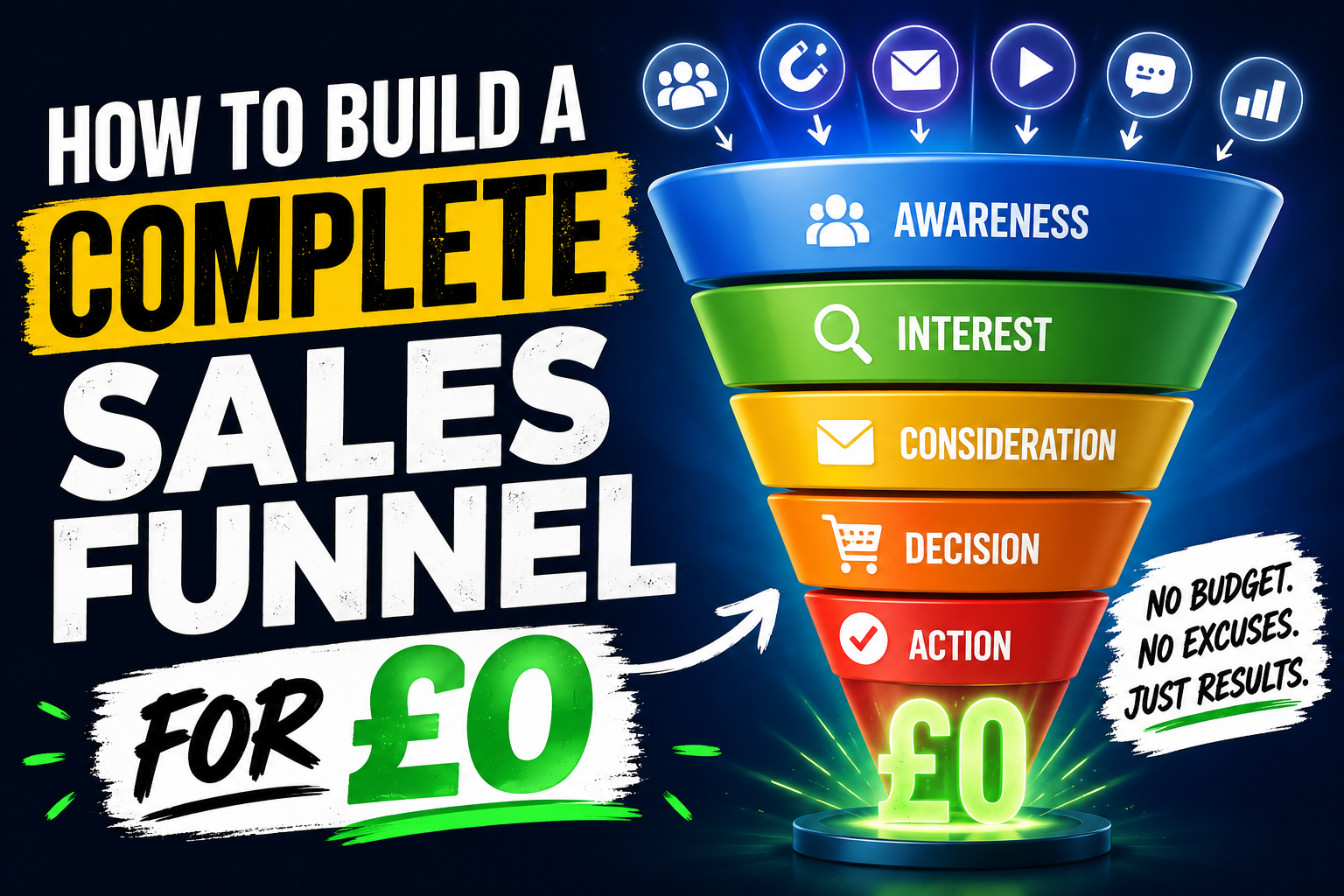
How to Build a Funnel for Free ( Without Coding)
Building a profitable online business used to require expensive software subscriptions. If you are a freelancer, creator, or side-hustler, paying £100+ per month before making your first sale is a massive risk.
The good news? You can build a fully automated, high-converting sales funnel today for absolutely nothing.
In this guide, you will learn the exact step-by-step process to launch your first lead generation and sales funnel completely free.
Step 1: Choose Your All-in-One Infrastructure
Most beginners make the mistake of taping together four different free tools. They use one tool for landing pages, another for email marketing, and a third for hosting digital products. This breaks easily and creates technical headaches.
Instead, use an all-in-one platform. Systeme.io offers a comprehensive free-forever plan. It includes 2,000 email contacts, unlimited emails, three sales funnels, and blog hosting without requiring a credit card.
👉 Click here to claim your free-forever Systeme.io account and follow along
Step 2: Create Your Lead Magnet and Squeeze Page
A sales funnel starts with a Squeeze Page (Landing Page). This page has one job: convince visitors to exchange their email address for a valuable free gift, known as a Lead Magnet.
Your lead magnet can be a short PDF checklist, a template, or a 10-minute video lesson.
How to build it:
- Log into your dashboard and navigate to Funnels > Create.
- Select "Build an audience" and choose your currency.
- Pick a clean, minimal template. Remove any distracting links or heavy graphics.
- Write a compelling headline focused on a specific result. For example: "Download the 3-Step Blueprint to Land Your First Freelance Client This Week."
Step 3: Automate Your Email Welcome Sequence
Once a visitor inputs their email, your funnel must deliver the free gift automatically. This is where automation replaces manual work.
How to set it up:
- Go to Automations > Rules inside your dashboard.
- Add a trigger: "Funnel step form subscribed" (select your squeeze page).
- Add an action: "Send email".
- Write a brief welcome email delivering the direct download link to your lead magnet.
Step 4: Design Your Thank-You and Offer Page
Instead of directing subscribers to a boring "Thank You" page, use this premium digital real estate to make an immediate offer. This is called a Tripwire Funnel.
On this page, thank them for downloading the freebie, then introduce a low-cost digital product (between £7 and £27) that solves the very next problem they will face.
The structure:
- The Confirmation: "Check your inbox! Your free blueprint is on the way."
- The Pivot: "While you wait, read this urgent message if you want to speed up your results."
- The Pitch: Introduce an ebook, a video masterclass, or a toolkit that perfectly complements your free gift.
Step 5: Activate Your Funnel and Drive Traffic
Your automated system is now fully live. Test the entire funnel yourself by entering a test email address to ensure the automation triggers and the download link works properly.
Once tested, paste your landing page URL into your social media bios, Pinterest pins, or at the bottom of your Google Sites blog posts to start capturing leads.
The All-in-One Solution
You do not need an enterprise budget to launch a professional online business. By using a single tool to handle your pages, forms, and emails, you eliminate technical friction and save hundreds of pounds monthly.
Ready to launch your online business with zero financial risk?